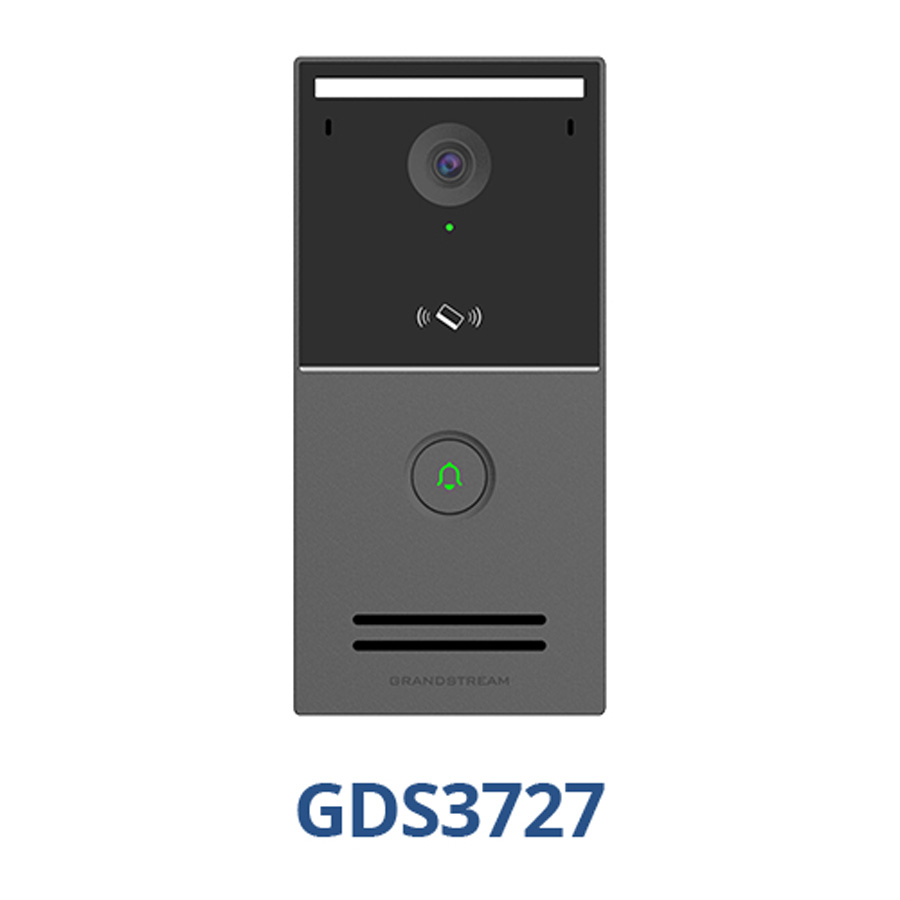
There are two use cases that apply to this system that would each wire to the network differently.
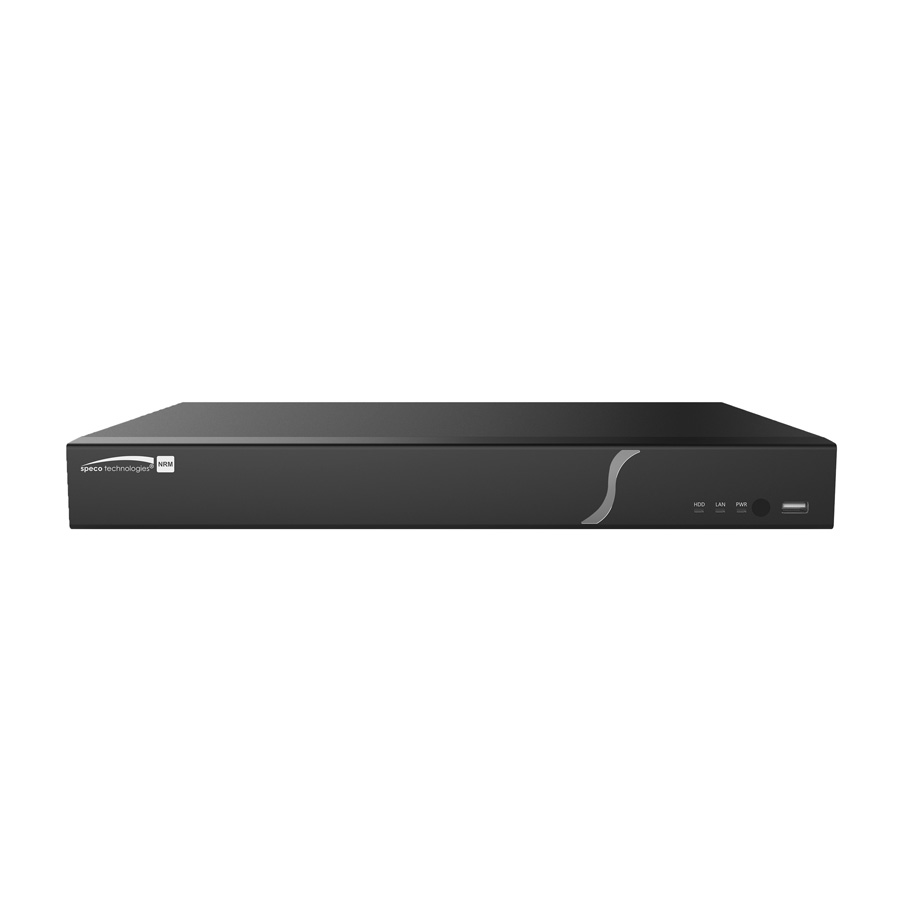
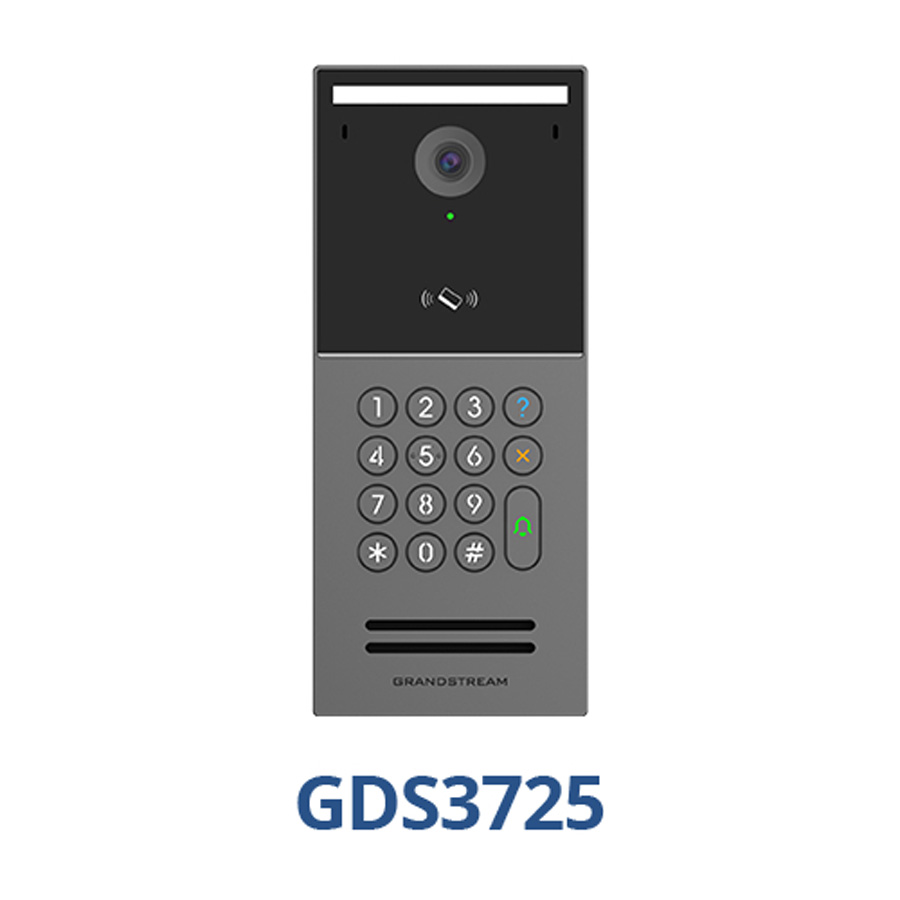
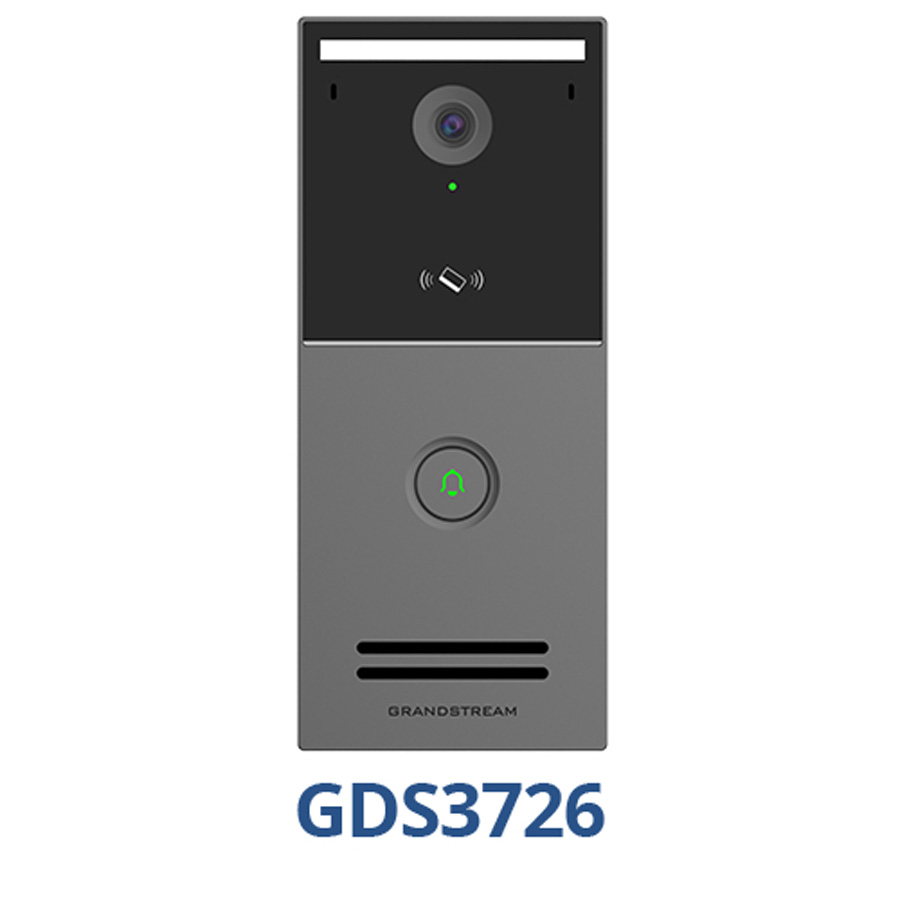
Standalone Door Access (App Only): Wire the GDS3720 directly to a camera port on the Speco NVR. As long as the NVT is connected to a network with internet access, the GDS3720 will have access to the internet and will be seen by the app.
Door Access with App and UCM Phone System Integration: Wire the GDS370 and the LAN port of the Speco NVR to the same network switch that the Grandstream IP phones are connected to. This will allow the GDS3720 and NVR to have access to the internet and be seen in their apps.
- The GDS3720 must be on firmware version 1.0.3.5 or higher. That is currently Beta and is available for download here https://firmware.grandstream.com/BETA/Release_GDS372X_1.0.3.5.zip.
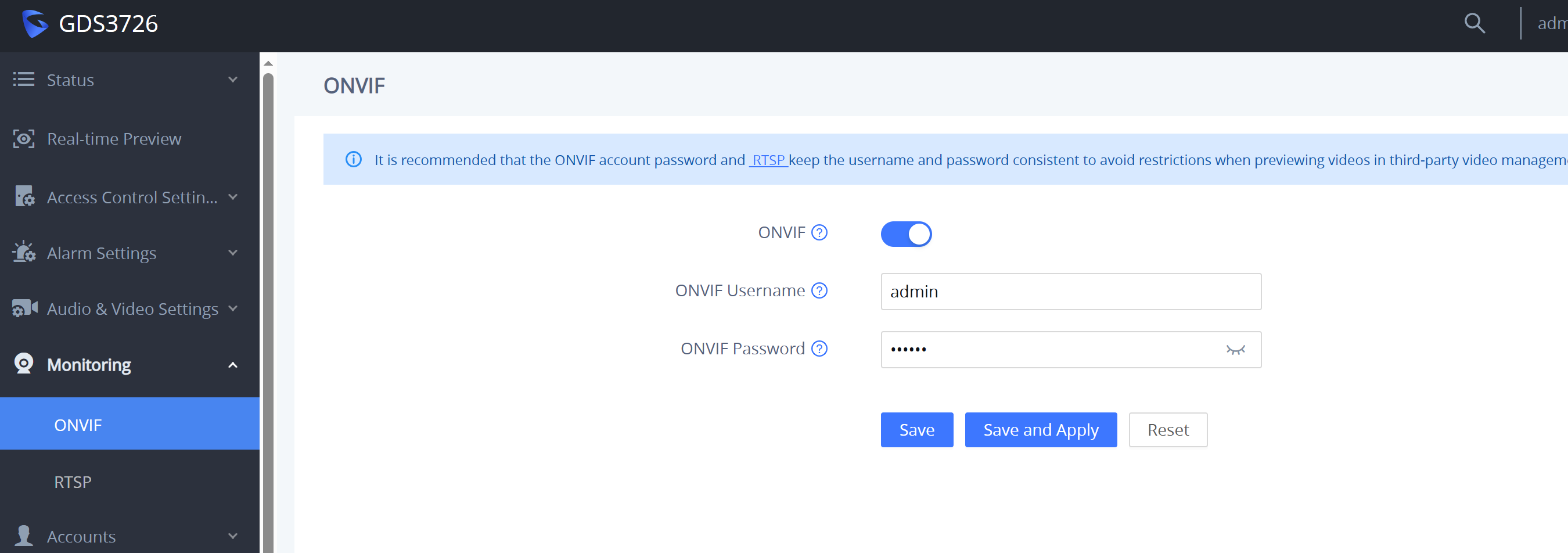
- Go to the web interface for the GDS > Monitoring > Onvif. Turn it on and set a username and password. You will need the username and password for the Speco.
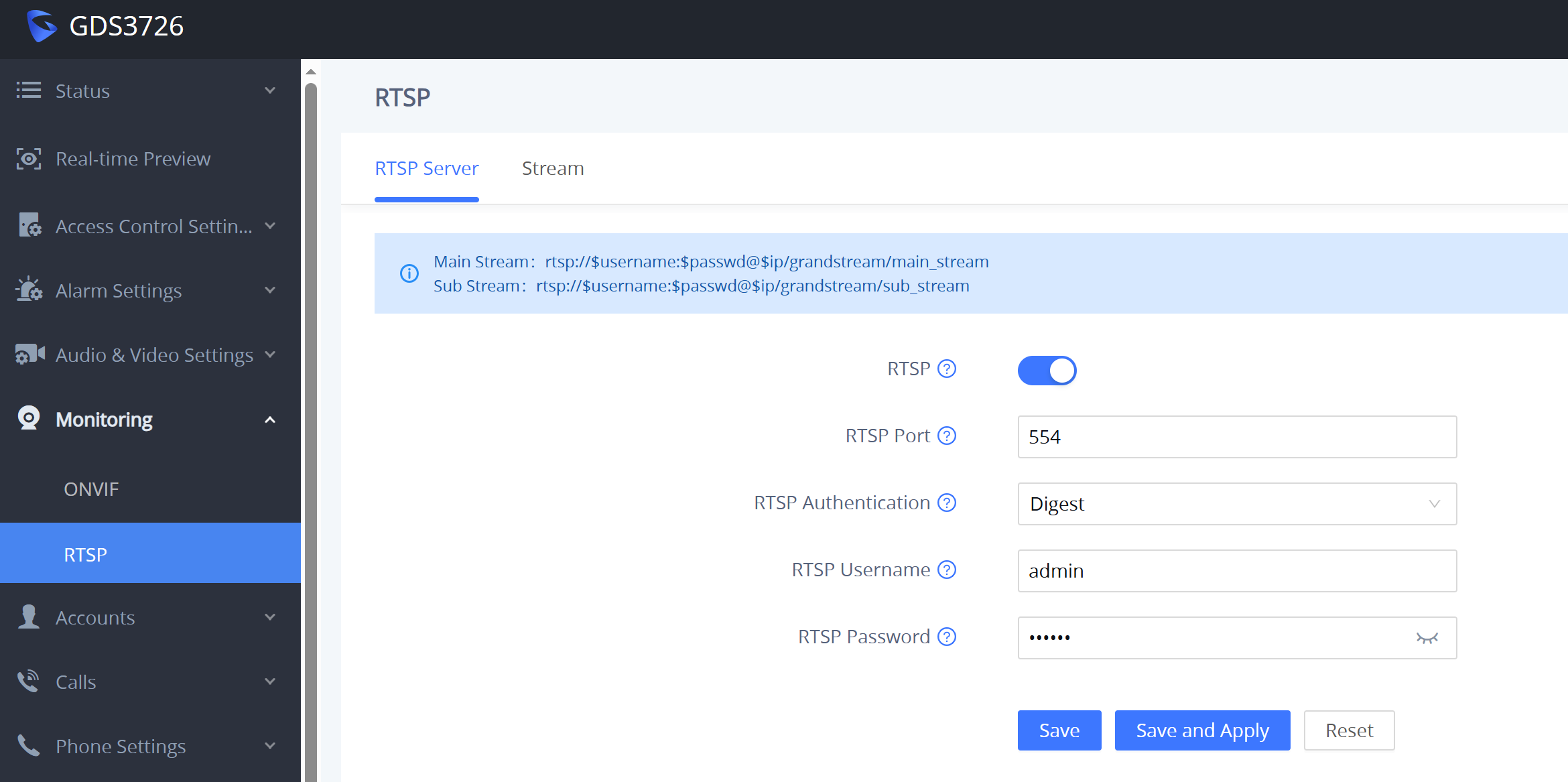
- Next go to the web interface for the GDS > Monitoring > RTSP. Turn it on and set up the password the same as you did in the Onvif page, then click "Save and Apply". Note: if you only turn on Onvif, the Speco will connect to the GDS but you will not get any video.
- In the NVR, go to Cameras and click the Refresh button to search. It will find the GDS3720, then enter your username and password and make sure the port is 23456.
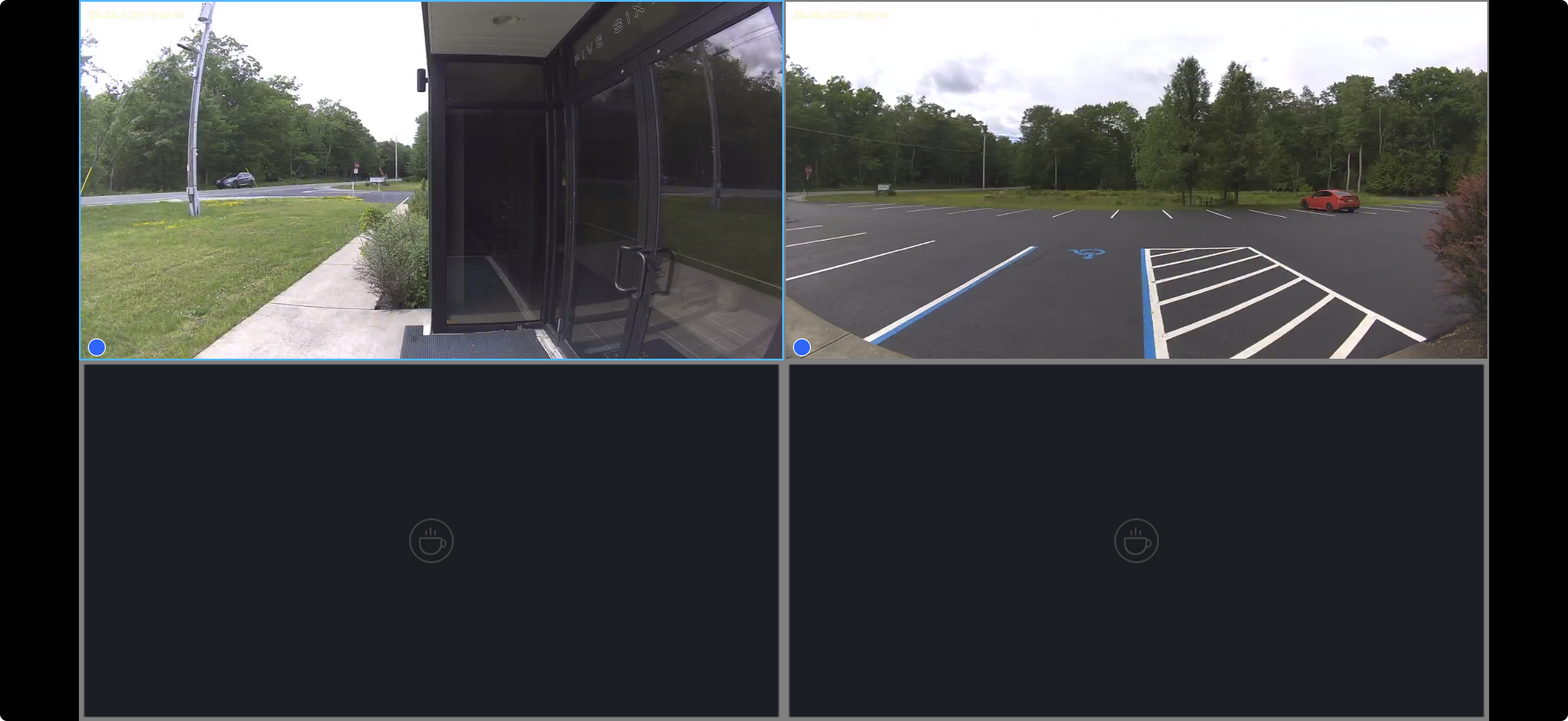
- Save and watch the cameras come up